

Schema Reference
Settings (v0.2.2)
The schema is written in TOML and is embedded into the binary at build time. To assemble a settings UI, schema authors only need to know what each field means and how the TOML is structured. For the exact list of types and default values, see the settings-schema crate (settings-schema/src/lib.rs).
Top level
| Field | Description |
|---|---|
tabs | Array of tab definitions (required) |
icon_style | Material Symbols variant: "rounded" / "outlined" / "sharp" |
theme | "os" / "light" / "dark" — see Theming |
lang | UI language — see Localization |
lang_key | Config key to read the parent app's language setting from when lang = "os" |
background_color, etc. | Light theme color overrides (CSS #rrggbb) |
[dark] | Dark theme color overrides |
save_button | "os" / "show" / "hide" — how the save UI is displayed |
[ui_strings] | Overrides for built-in UI strings — see Localization |
content_width / content_height | Logical size of the content area (px) |
[[constraints]] | Named CEL constraints — see Validation |
Tab
| Field | Description |
|---|---|
id | Tab identifier |
label | Tab display name (localizable) |
icon | Material Symbol name (when an icon font is bundled) |
content_width / content_height | Per-tab size override |
fields | Flat array of fields (mutually exclusive with section_map) |
section_map | Dynamic subsections — see SectionMap below |
SectionMap
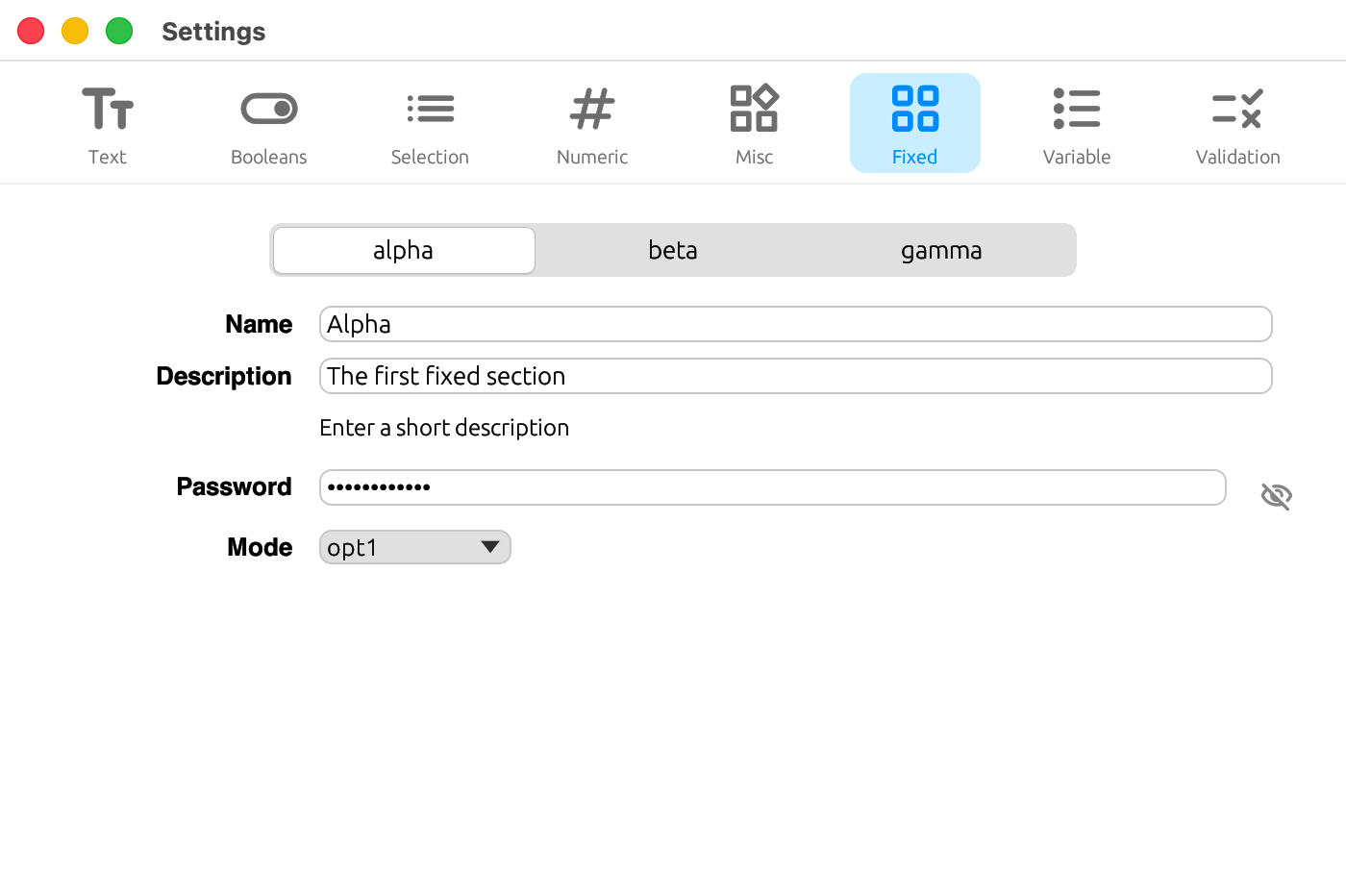
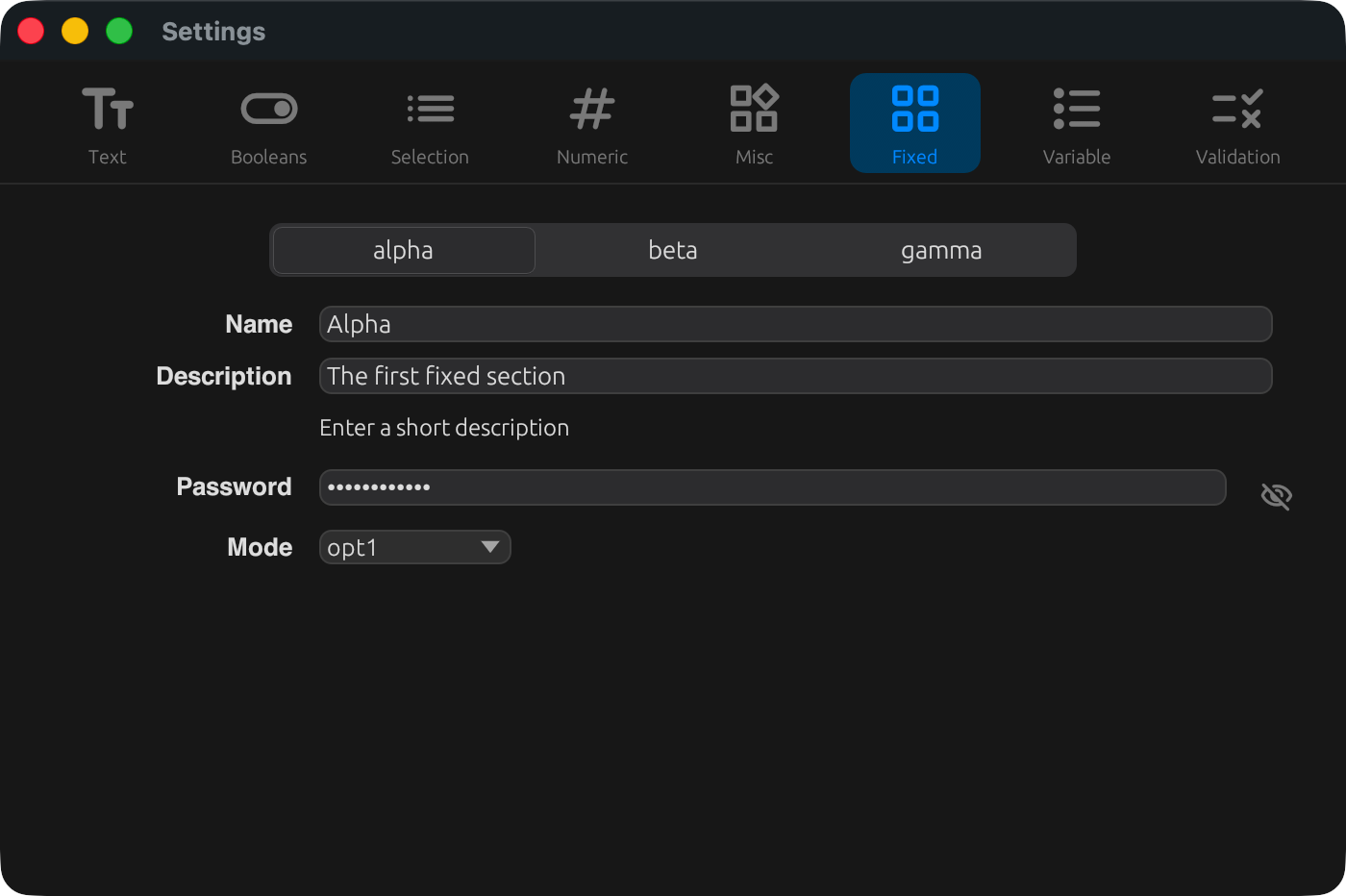
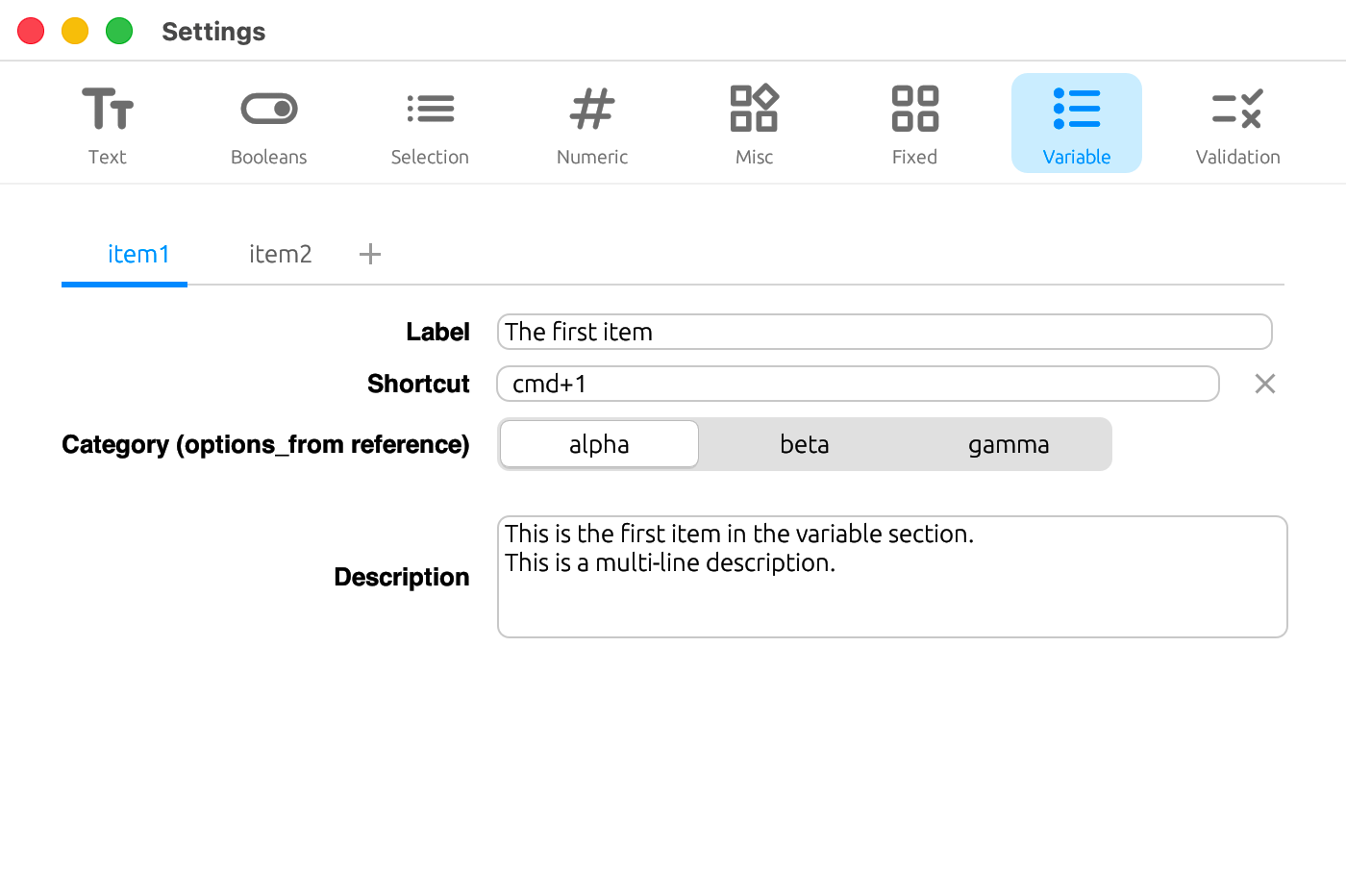
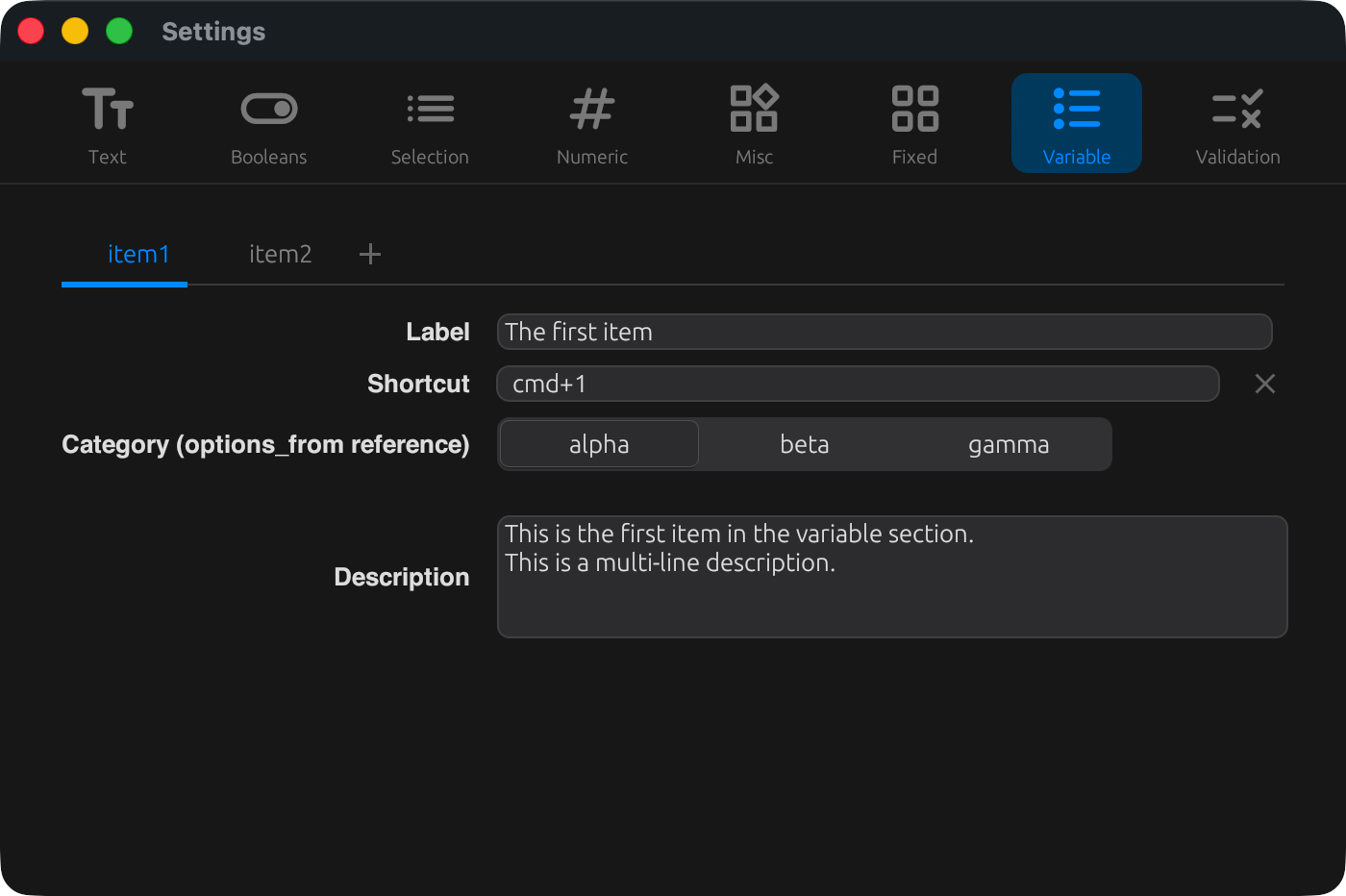
A mechanism for placing a group of subsections (sub-tabs) inside a tab, where the number of subsections grows or shrinks based on the contents of the config file.
Example with tab_style = "segmented" and allow_add_remove = false (fixed sections):
Example with tab_style = "underline" and allow_add_remove = true (variable sections):
| Field | Description |
|---|---|
key_prefix | Table name in the config file (e.g. "providers") |
allow_add_remove | Whether subsections can be added and removed |
fields | Field definitions for each subsection |
tab_style | "underline" / "segmented" |
max_width | Maximum width when tab_style = "segmented" |
When allow_add_remove = false, the list of sub-tab keys is derived automatically from the contents of the config file. There is no need to enumerate the keys in the schema.
Field (common)
| Field | Description |
|---|---|
key | Config key (dot-separated). Not needed for separator |
label | Label (localizable) |
type | "string" / "bool" / "number" |
widget | Widget kind — see Widget Reference |
hint / sublabel | Helper text (localizable) |
hint_direct / hint_env | Helper text for exclusive_radio |
options / options_from | Choices (statically given, or dynamically derived from a section_map) |
exclusive | Configuration table for exclusive_radio |
min / max / step / suffix | For numeric widgets |
min_width / max_width / rows | Layout adjustments |
is_directory / file_filter / file_extensions | For file_path |
key_label / value_label | For key_value_map |
validate | Validation rules — see Validation |
option_states | Disabling individual options — see Validation |
Save modes (save_button)
| Value | Behavior |
|---|---|
"os" | Auto-saves on macOS. Shows a save bar (OK / Cancel / Apply) on Windows / Linux |
"show" | Always shows the save bar |
"hide" | Always auto-saves |
When the save bar is shown, it has three buttons from left to right: OK (save and close), Cancel (discard and close), and Apply (save and keep the window open). OK / Apply are disabled while there are validation errors.
External change detection
Settings watches the config file. If there are no unsaved edits, external changes are reflected on screen automatically. If there are unsaved edits, a conflict dialog appears with Reload (discard edits and reload) and Keep Editing (continue editing and ignore the external change).
Window size
When you switch tabs, the window is resized to match that tab's content_width / content_height (falling back to the top-level values when omitted). The height of the tab bar and save bar varies depending on whether icon is set in the schema and on the save_button setting.